

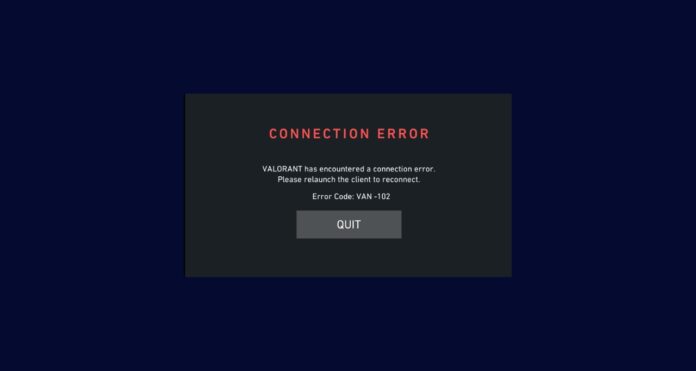
VAN -102 is a Vanguard connection error that usually kicks you out and tells you to relaunch the client to reconnect. In most cases, restarting your PC (and Riot Client) fixes it; if not, a clean reinstall of Vanguard + VALORANT is the standard next step.
VAN 102 error explained
Riot categorizes VAN -102 as a Connection Error under Vanguard error codes. The official Riot fix for this connection error is: restart your PC, and if that doesn’t work, uninstall Riot Vanguard and the game, then reinstall (which restores Vanguard).
TheSpike lists VAN -102 with the same “relaunch/reconnect” message and the same escalation path (restart PC + Riot Client → reinstall VALORANT/Vanguard → ticket).
How to fix VAN 102 error in Valorant
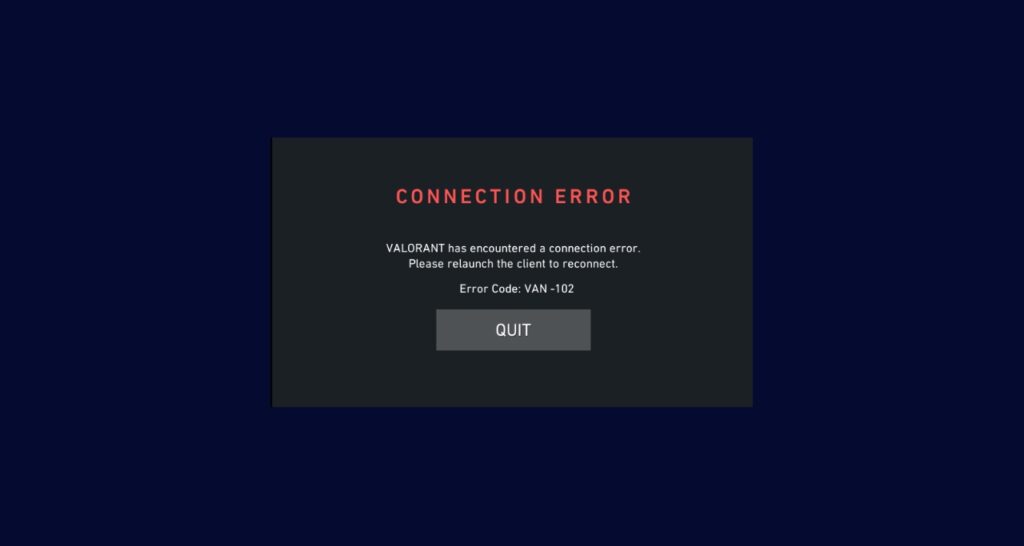
1. Restart your PC
Riot’s first solution for VAN -102 is to restart your PC. This helps because it resets Vanguard services and clears stuck client sessions that can trigger the connection error.
2. Restart Riot Client and VALORANT
If you left the Riot Client running in the background, it can keep a broken session alive, so fully exiting and reopening can help. TheSpike’s “initial solution” for VAN -102 includes restarting the Riot Client (along with the PC) before moving to reinstalls.
3. Reinstall Riot Vanguard
Riot’s official next step (if restarting fails) is uninstalling Riot Vanguard and the game, then reinstalling VALORANT so Vanguard is restored automatically. TheSpike recommends the same reinstall approach if the restart doesn’t fix VAN -102.
4. Submit a Riot Support ticket
If VAN -102 keeps happening after a restart and reinstall, Riot’s guidance is to submit a ticket from their Vanguard error codes page. This is the right step when the issue is caused by account/session flags, repeated Vanguard service failures, or ISP routing problems that require log review.
Related Valorant errors
- VAN -81: Same “relaunch client to reconnect” behavior and the same restart → reinstall → ticket path.
- VAN -104: Another Vanguard connection error with the same restart PC/Riot Client first approach.
- VAN 128: Also uses the restart → reinstall escalation (and may require deeper Vanguard troubleshooting if it persists).
Conclusion
VAN -102 is a Vanguard connection error, and Riot’s recommended fix is restarting your PC first. If it doesn’t stop, reinstall Riot Vanguard and VALORANT, and then escalate to Riot Support with logs if it still persists.