

VAL 58 in Valorant shows up when there’s an “RSO Validation Failure.” This means the game couldn’t properly validate important information to start up, usually tied to your Riot Sign-On (RSO) authentication. When this happens, you won’t be able to launch or properly connect to Valorant. It’s typically caused by the Riot Client not starting correctly or server issues on Riot’s end.
What Does Valorant Error Code 58 Mean?
RSO Validation Failure Error or VAL 58 means the Valorant client failed to validate your Riot Sign-On authentication. RSO is the system that handles your login and account info. If the Riot Client didn’t launch fully or ran into problems during startup, it might not be able to validate this info. Sometimes, the issue is on Riot’s side, like when their servers have problems or are undergoing maintenance, and the validation process fails even though everything on your end is fine.
Solutions for VAL 58 Error Code in Valorant
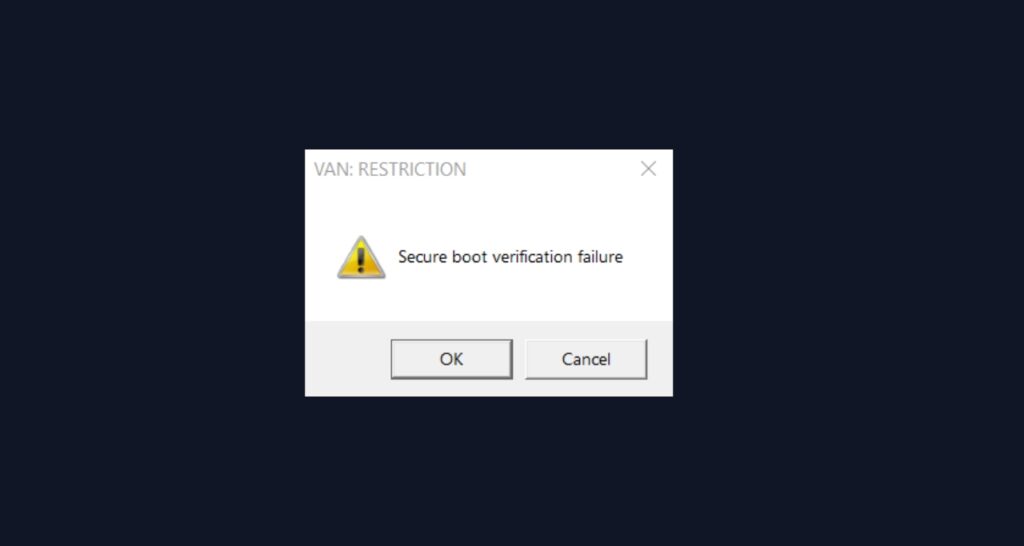
1. Restart the Riot Client
This is the first fix Riot officially recommends. Restarting the client clears temporary glitches and refreshes the authentication process.
- Press Ctrl + Shift + Esc to open Task Manager.
- Find all Riot Client and Valorant processes.
- Select each one and click “End Task.”
- Close Task Manager.
- Restart the Riot Client and launch Valorant again.
2. Check Riot Server Status
If restarting the client didn’t help, the problem might be on Riot’s side.
- Go to the official Riot Games server status page.
- Select your region and look for any server issues or maintenance notices.
- Check Valorant’s Twitter for any announcements about server problems.
- If there are server issues, you’ll need to wait for Riot to fix them.
3. Restart Your Computer
Sometimes a full system reboot clears up authentication problems.
- Save your work and restart your PC.
- After it boots up, launch Valorant and see if the error is gone.
4. Run Riot Client as Administrator
Permission issues can block proper authentication.
- Right-click your Riot Client shortcut.
- Select “Run as administrator.”
- Try launching Valorant again.
5. Clear Riot Client Cache
Corrupted cache files can mess up the validation process.
- Close all Riot programs completely.
- Press Windows + R and type %localappdata%.
- Find the Riot Games folder.
- Delete the cache folders inside.
- Restart your PC and try Valorant again.
6. Reinstall Riot Vanguard
If Vanguard is having issues, it can affect the whole authentication process.
- Close all Riot and Valorant processes in Task Manager.
- Go to Control Panel and uninstall Riot Vanguard.
- Restart your PC.
- Launch Valorant—it will prompt you to reinstall Vanguard.
7. Reinstall Valorant (Last Resort)
If nothing else works, a clean reinstall can fix deep authentication issues.
- Uninstall Valorant and Riot Vanguard completely.
- Restart your PC.
- Download the latest installer from Riot’s website.
- Install fresh and test if the error is fixed.
8. Contact Riot Support
If VAL 58 keeps popping up after all these steps, submit a ticket to Riot Support with details about what you’ve tried.
Related Errors
VAL 58 is similar to other authentication and client startup errors like VAL 55 (repair manager issues), VAL 56 (legal info problems), and VAL 43 (platform connection failures). Most of these get fixed with client restarts and checking server status.
Conclusion
Valorant Error Code 58 means the game couldn’t validate your Riot Sign-On authentication, usually because of a Riot Client glitch or server problems. Restarting the client is your best first move, followed by checking if Riot’s servers are down. Most players get back in quickly, but if the error keeps happening, try the more advanced fixes or reach out to Riot Support.