

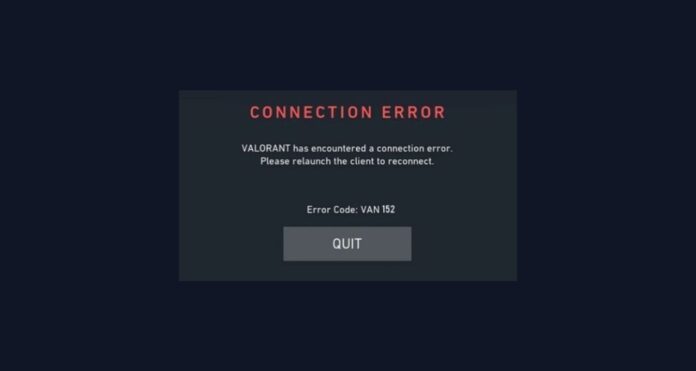
VAL 152 or VAN 152 usually means your PC has an HWID (hardware) ban, so it isn’t a normal “connection error” you can fix with DNS or reinstalling. The practical fix is to contact Riot Support if you think it’s a mistake, otherwise you must wait for the restriction to expire.
VAN 152 error explained
Riot’s VALORANT error-code list states that code 152 means an “HWID ban” (a hardware ban) that typically lasts 4 months. Riot also explains that when an HWID ban is active, game access is restricted and login attempts can result in VAN 152.
Because it’s a hardware-level restriction, reinstalling the game (or deleting the account) will not remove an HWID ban.
How to fix VAN 152 error code
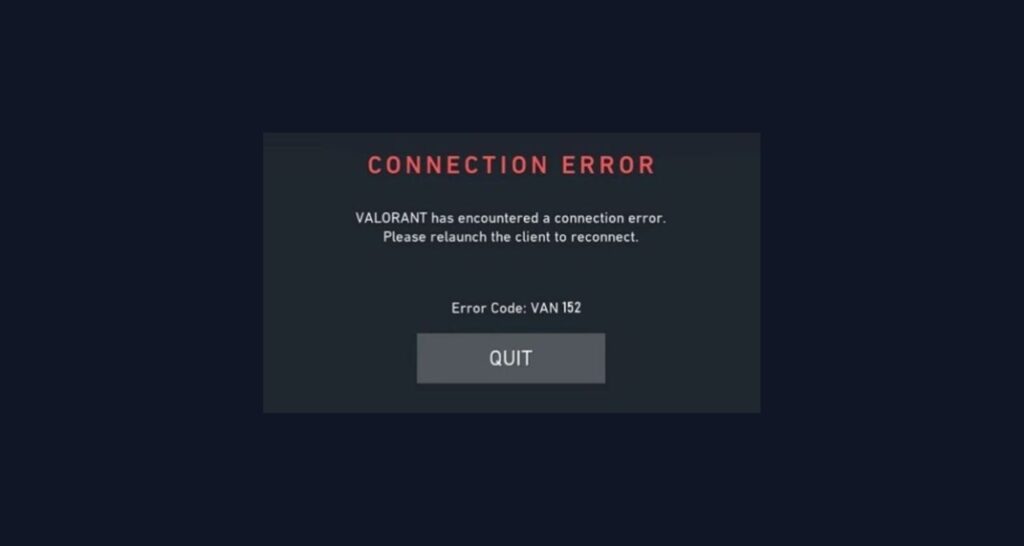
1. Confirm it’s really code 152 (HWID ban)
Riot explicitly maps “152” to an HWID ban in their official VALORANT error-code table, so double-check the exact number shown on your screen. If it’s 152, treat it as a ban/restriction issue rather than a typical Vanguard service or internet issue.
2. Submit a Riot Support ticket
Riot’s guidance for error 152 is to submit a ticket if you have further questions, especially if you believe it’s a false positive. When submitting, include the exact error code (152), when it started, and any recent system changes (new overlays, drivers, security tools), so Support can investigate faster.
3. Wait for the restriction to end
Riot notes that VALORANT’s HWID ban tied to error 152 typically lasts about 4 months, so waiting may be the only resolution if the restriction is legitimate. Riot’s HWID-ban policy also describes longer re-evaluation timelines for HWID bans in general (for example, waiting at least one year before requesting re-evaluation in some cases), so Support is the only source that can confirm your exact duration.
4. Do not log into other accounts on the same PC
Riot warns that if another account logs into a hardware-banned computer, that account can be restricted on that device and may receive a time-based ban because it looks like ban circumvention. If VAN/VAL 152 appears, it’s safest to stop testing with alternate accounts and go straight to Support.
Related Valorant errors
- VAL 128: “VALORANT has encountered connection error…”, and Riot recommends restarting PC + Riot Client, then reinstalling Vanguard and VALORANT if it persists.
- VAL -81: “Service Start Failed,” with the same restart → reinstall Vanguard/VALORANT escalation path.
- VAL 138: Riot indicates this is triggered when VALORANT/Vanguard is running in a virtual machine and requires installing on a regular Windows instance instead.
Conclusion
VAL 152 isn’t a typical crash or network error—it’s almost always an HWID (hardware) ban, and reinstalling won’t remove it. The correct next step is a Riot Support ticket if you think it’s incorrect; otherwise, waiting out the restriction is the only legitimate resolution.