

Error Code 49 in Valorant is one of those annoying bugs that stops you from chatting with your team. When this happens, you’ll see a message saying “Chat did not initialize” and you won’t be able to use text or voice chat properly. The good news is that fixing VAL 49 is usually pretty straightforward with a few simple steps.
Valorant Error Code 49 Explained
VAL 49 or “Chat did not initialize” means the chat system in Valorant failed to start up properly. This can happen because of network issues, problems with the Riot Client, or conflicts with other software on your computer. Sometimes your firewall or antivirus blocks the chat feature, or there might be corrupted files stopping it from working. You might also see this error if your computer doesn’t meet Valorant’s minimum requirements or if you’re using a VPN that’s interfering with the connection. Similar chat and voice errors like VAL 50 can happen for the same reasons.
How to Fix Valorant VAL 49 Error
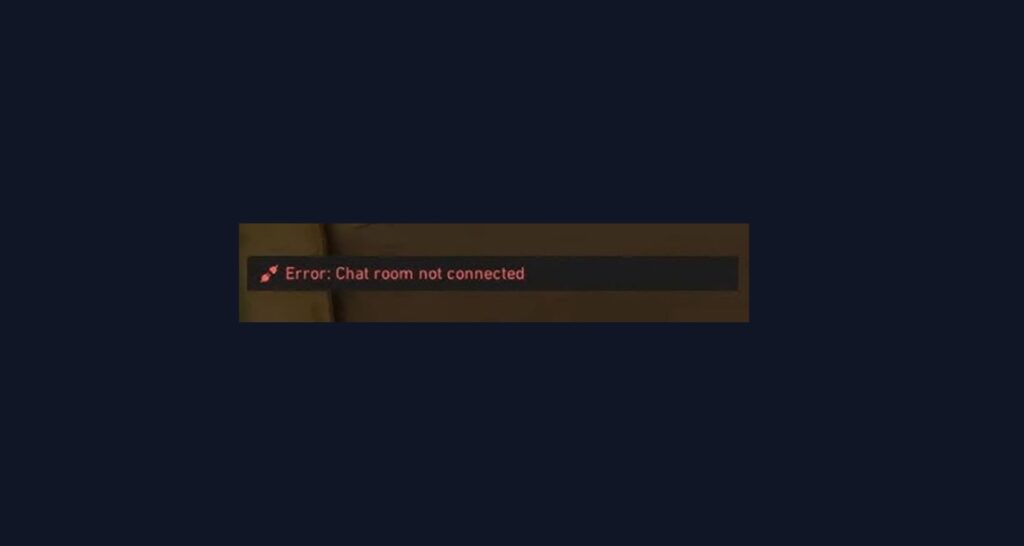
Most fixes for VAL 49 focus on restarting services and making sure nothing is blocking the chat system. Try these solutions one by one to get the issue resolved as soon as possible.
1. Restart the Riot Client
The easiest fix is to restart the Riot Client completely. This refreshes all the game services including chat.
- Close Valorant and the Riot Client fully.
- Make sure there are no Riot processes running in Task Manager.
- Restart the Riot Client and launch Valorant again.
- Check if chat is working now.
2. Restart Your Computer
If restarting the client doesn’t work, try rebooting your whole computer. This clears any stuck processes that might be blocking chat.
- Save any work and restart your PC.
- After it boots up, launch Valorant.
- Test if you can use chat in the game.
3. Check Your Internet Connection
Chat needs a stable internet connection to work properly. Make sure your network is running smoothly.
- Test your internet speed and stability.
- Restart your router if needed.
- Try using a wired connection instead of WiFi.
- Make sure no other devices are using too much bandwidth.
4. Turn Off VPN and Proxy
VPNs and proxy servers can interfere with Valorant’s chat system.
- Disconnect any VPN you might be using.
- Turn off proxy settings in your browser or network settings.
- Launch Valorant and test chat functionality.
5. Add Valorant to Firewall Exceptions
Your firewall might be blocking the chat feature from connecting to Riot’s servers.
- Open Windows Defender Firewall settings.
- Click “Allow an app or feature through Windows Defender Firewall.”
- Add Valorant and the Riot Client to the allowed list.
- Make sure both Public and Private network boxes are checked.
- Restart your computer and try again.
6. Check System Requirements
Make sure your computer meets Valorant’s minimum requirements, especially for RAM and network capabilities.
- Check if you have at least 4GB RAM available.
- Make sure your internet connection is stable (minimum 1 Mbps).
- Verify that your Windows is updated to a supported version.
7. Perform a Clean Boot
A clean boot starts Windows with only essential services, which can help identify if other software is causing conflicts.
- Press Windows + R, type “msconfig” and press Enter.
- In the General tab, select “Selective startup.”
- Uncheck “Load startup items.”
- Go to the Services tab, check “Hide all Microsoft services,” then click “Disable all.”
- Restart your computer and try launching Valorant.
- If it works, gradually re-enable services to find what was causing the problem.
8. Reinstall Valorant
If nothing else works, a fresh install can fix corrupted files that might be causing chat problems.
- Uninstall Valorant and Riot Vanguard completely.
- Download the latest version from Riot’s official website.
- Install the game fresh and test chat functionality.
9. Contact Riot Support
If VAL 49 keeps happening after trying everything above, reach out to Riot Support for help.
- Go to the Riot Games support website.
- Submit a ticket explaining the chat initialization error and what you’ve tried.
- Include details about your system and when the error happens.
Similar Errors
VAL 49 is related to other communication errors like VAL 50 (voice did not initialize) and various connection errors like VAL 43 and Error 38. If you see these, many of the same fixes will work, especially restarting the client and checking your network settings.
Conclusion
Valorant Error Code 49 usually means the chat system couldn’t start properly, but it’s fixable with simple restarts and network checks. Most players get their chat working again by restarting the Riot Client or their computer. If the problem keeps coming back, check for software conflicts or reach out to Riot Support for more help. Getting your chat back means you can coordinate with your team and get back to winning matches.